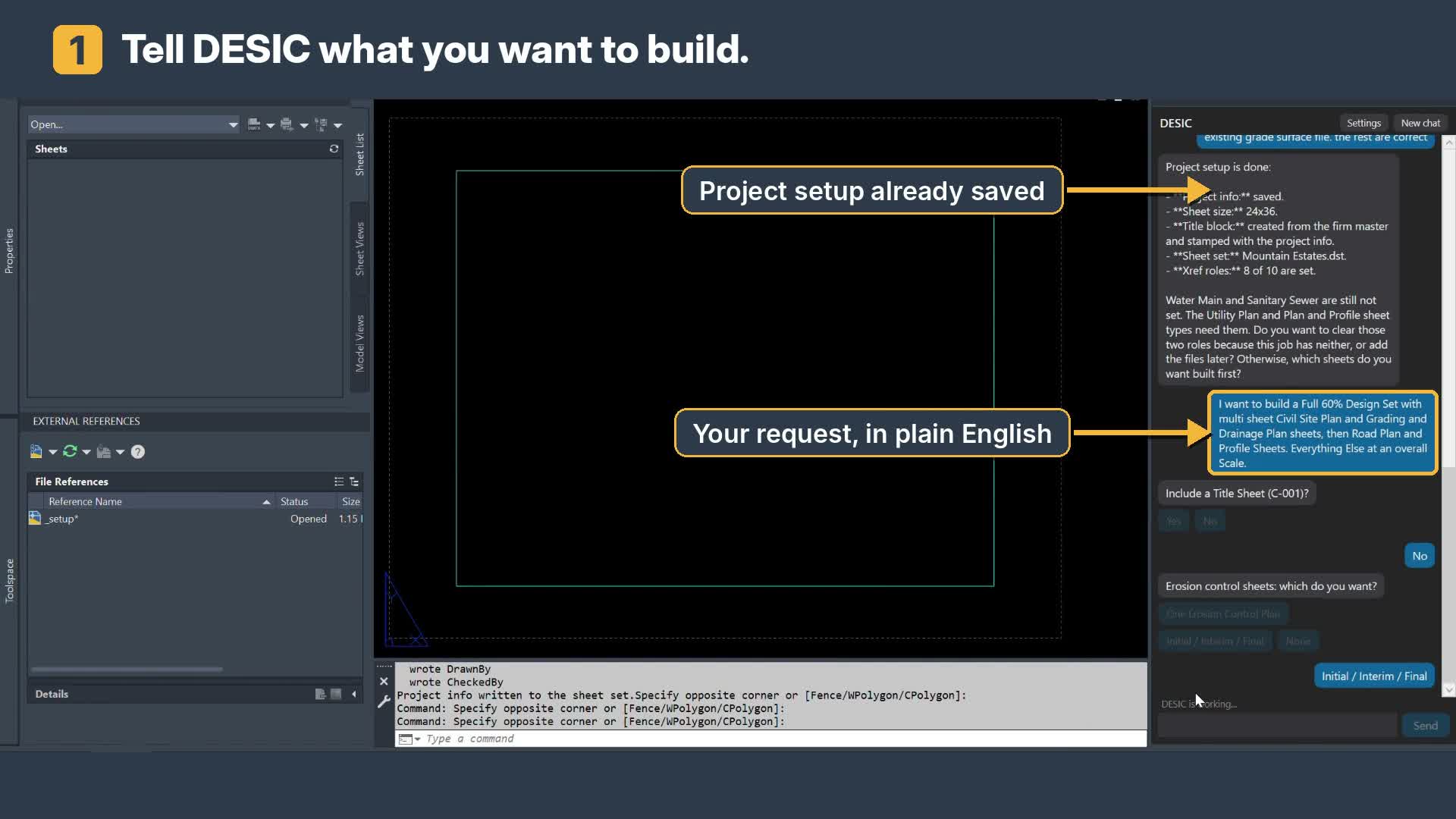
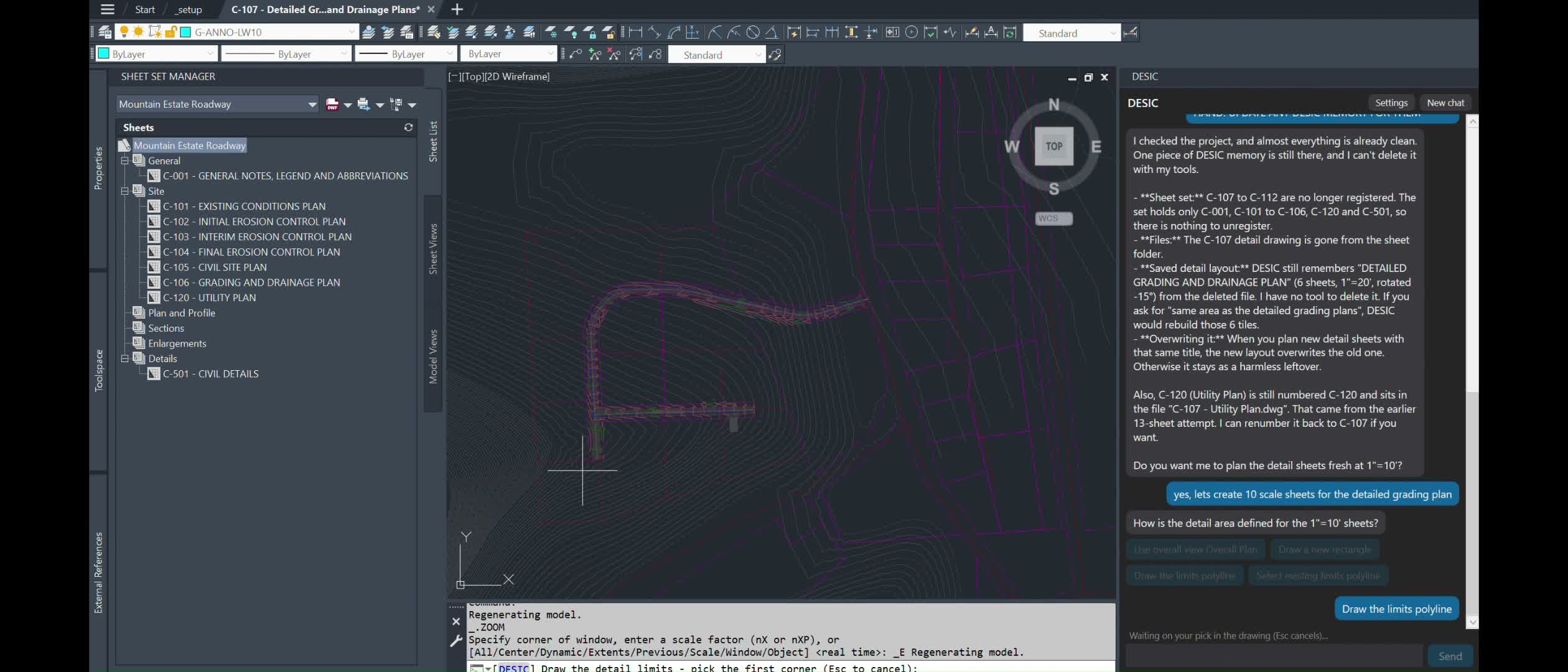
DESIC builds production plan sets inside Civil 3D. In this walkthrough: tell it what you want, answer a few questions, select your view limits, and accept. Xrefs attach automatically, sheets register in the Sheet Set Manager, and the new Walk Mode lets you review each sheet as it’s built or hit Finish and let it run.
Covered: project prompt, sheet questions, view limits, multi-sheet detail layouts, Walk Mode (Accept / Finish / Stop), notes and detail sheets, road plan and profile with matchlines and profile views.
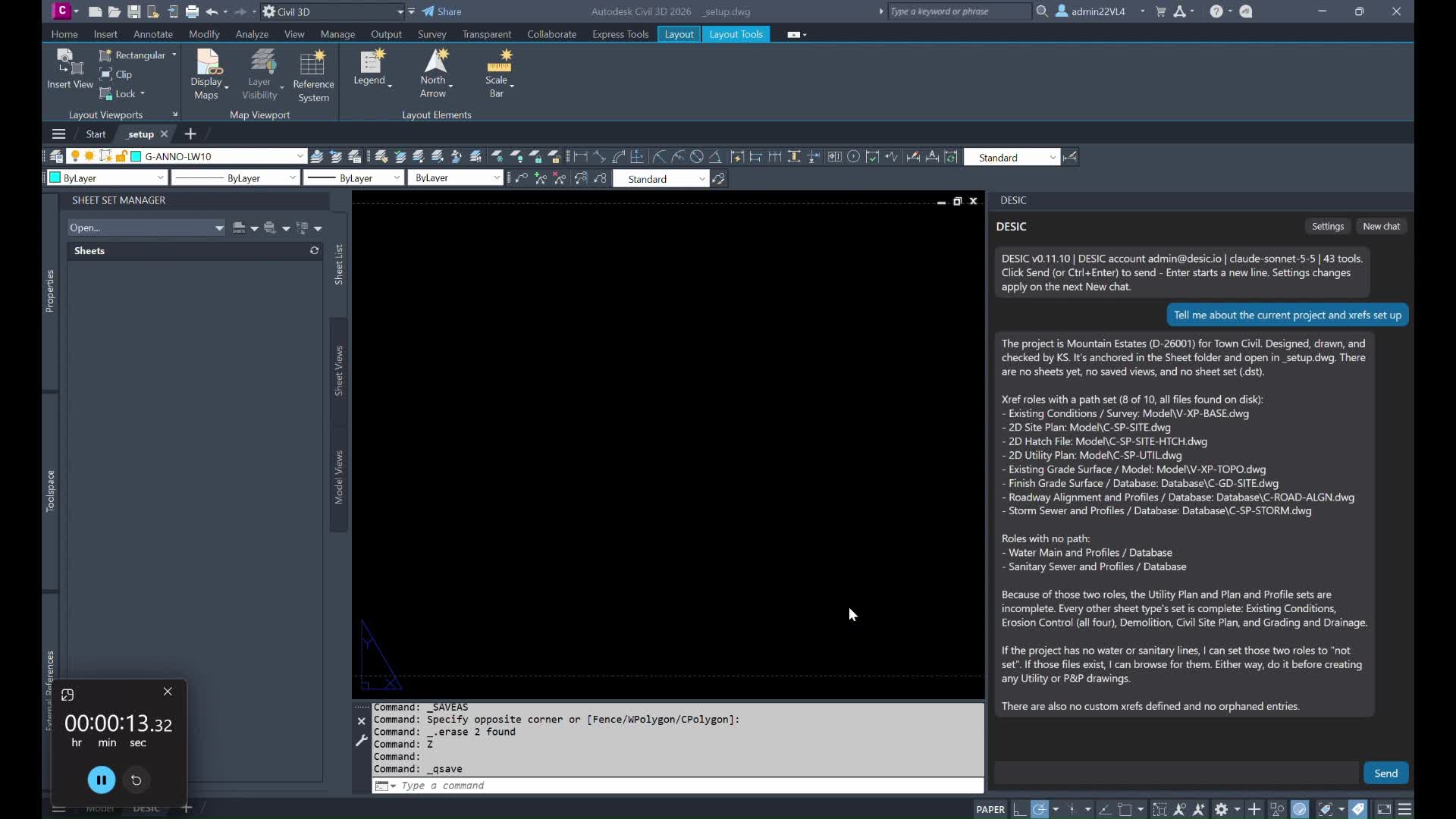
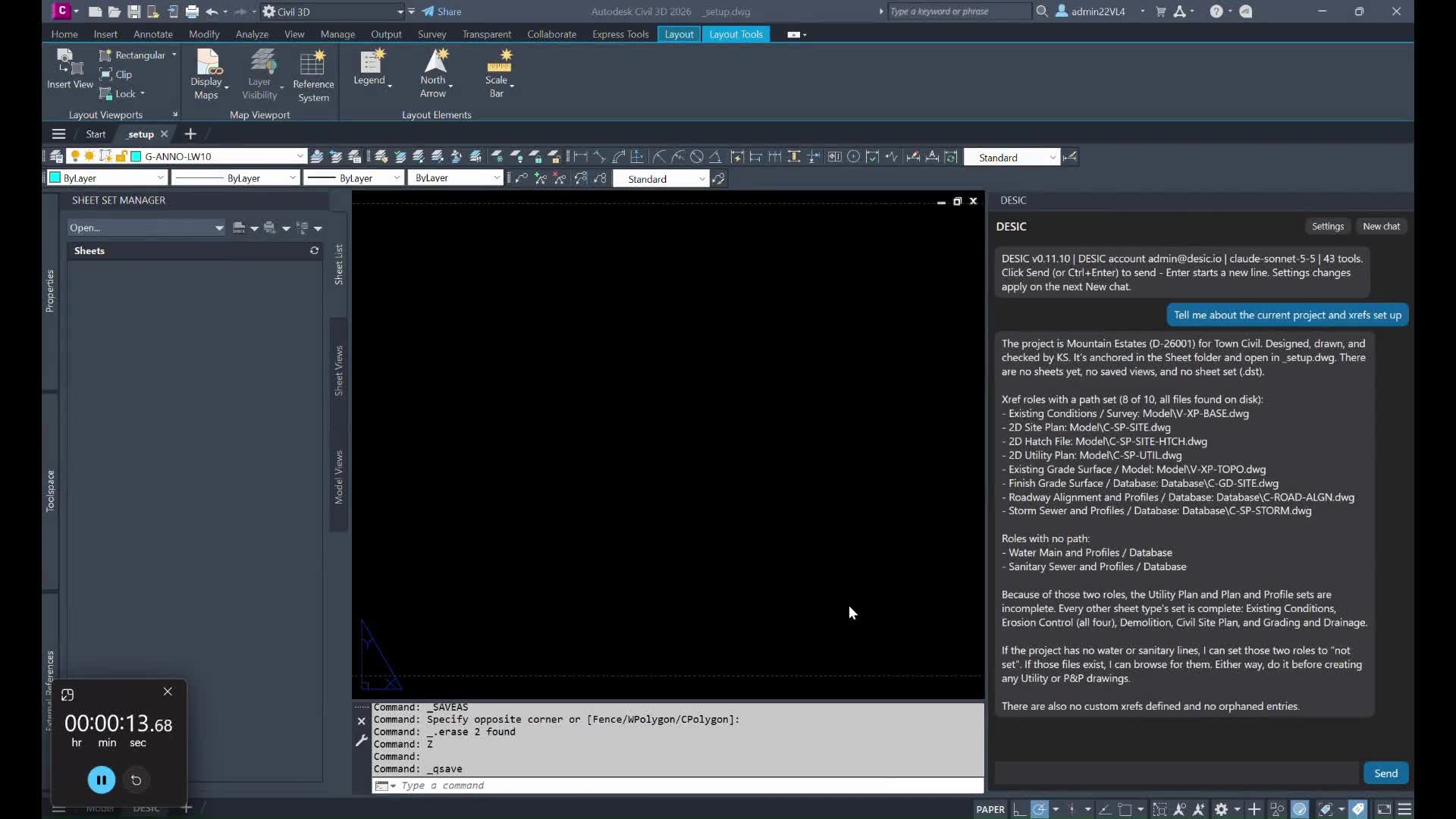
Create a full plan set from start to finish once you xrefs are set up. This video will walk through setting up a full Civil Engineering Plan Set of sheets from start to finish in a few minutes.
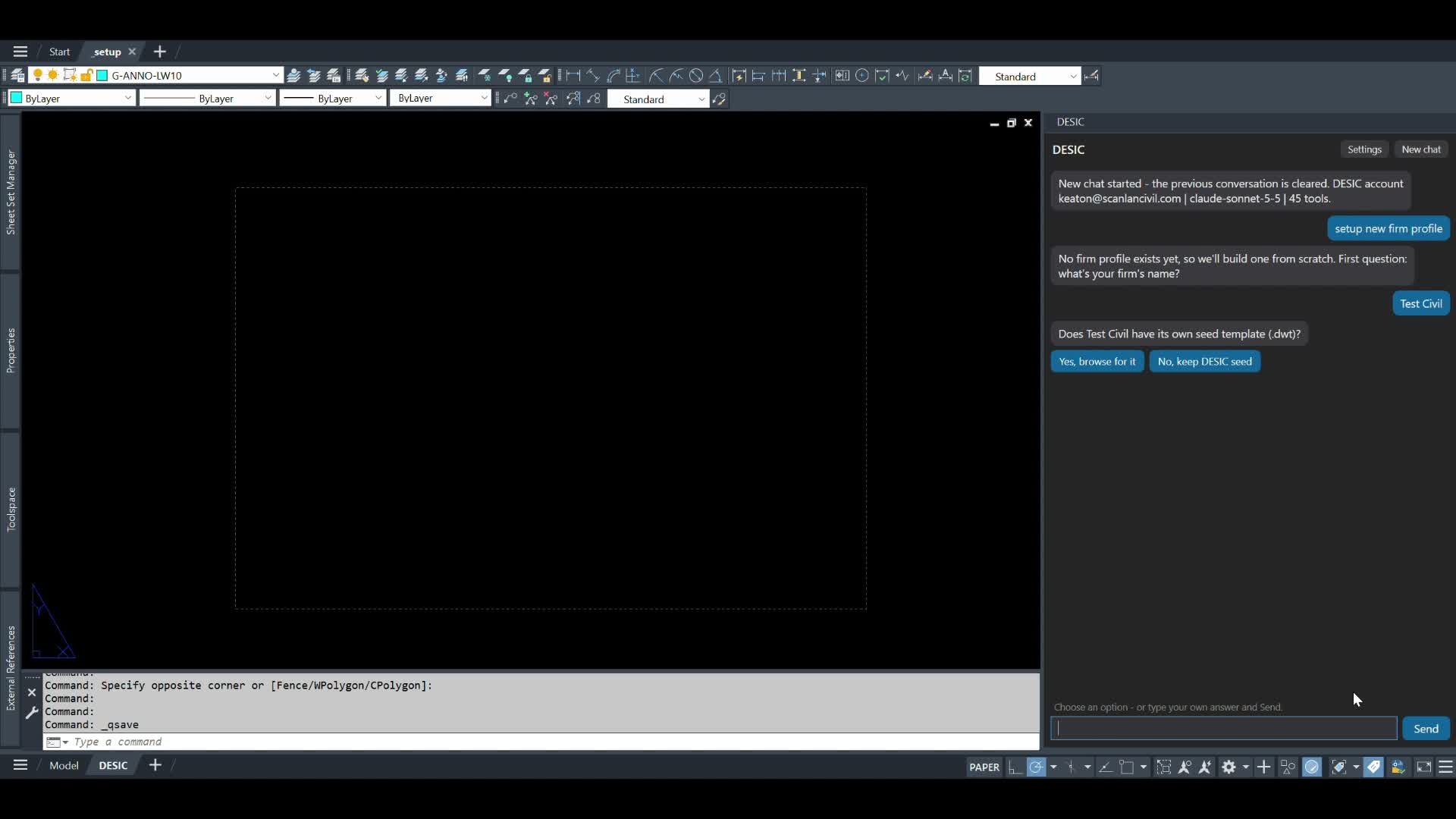
Using DESIC, this demo walks through the process to setup a firm specific title blocks and associated information to use across your plan production automations. DESIC will store the information locally for future plan production after each Title Block size is onboarded.
In this video:
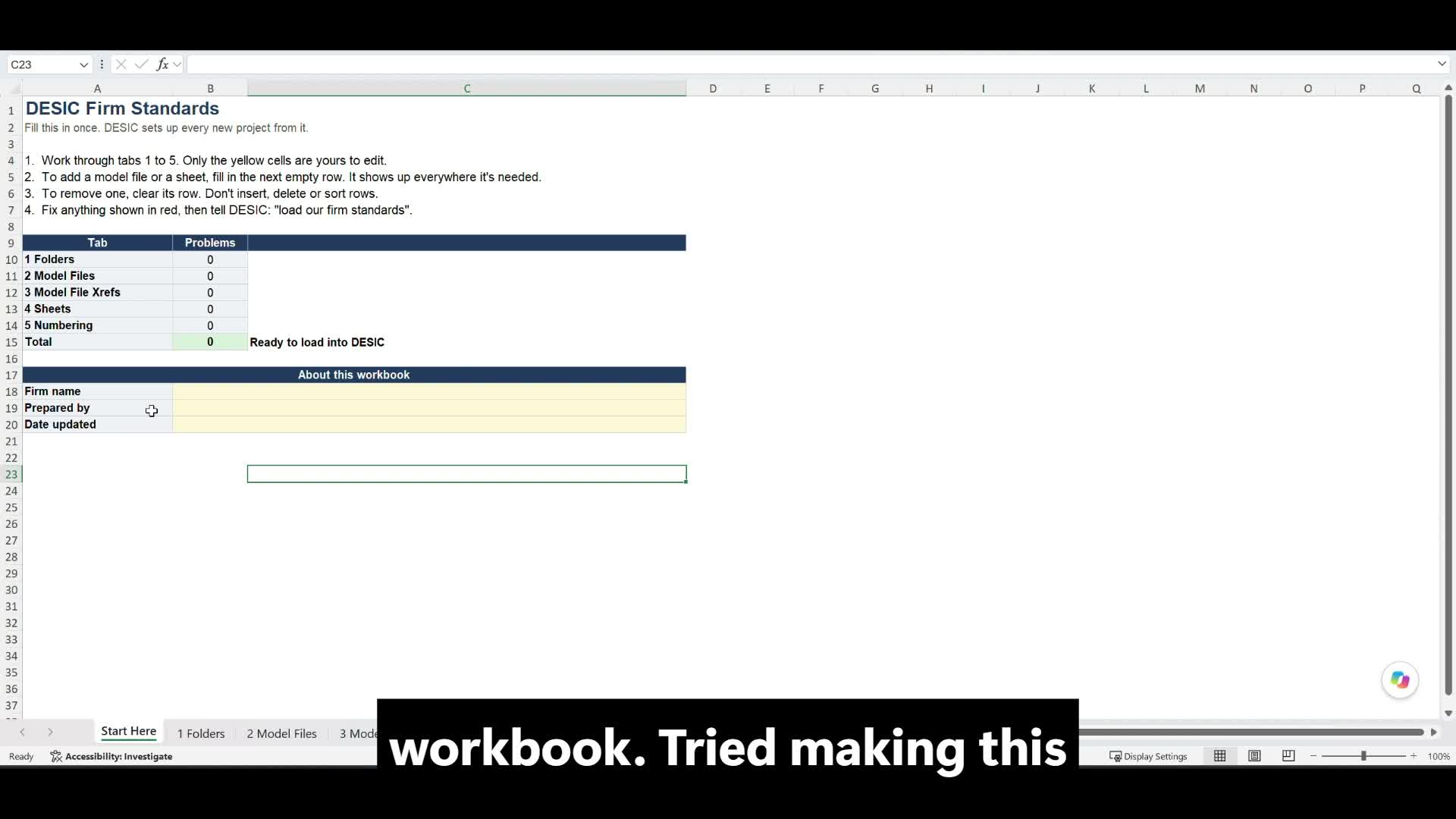
Onboarding your firm’s folder and file naming standards for model files and sheet files
Saving those standards on your server so every Civil 3D user at the firm works from the same setup
New: creating all your firm’s typical model files from the standards workbook at the start of a project, so you can open them and start drafting
